How-to — task-oriented recipe.
You can delete any obsolete lists you have created or have admin privileges for. Just make sure your team members also approve!
Deleting a list can’t be undone. It permanently deletes the list’s entries, its list-specific fields and their values, and the history of changes to those fields, which then disappears from the Activity Timeline. On an opportunity list, the opportunities are deleted too. People and organizations themselves stay in Affinity.
  1. Click into the list you plan to delete. Make sure you are on a pinned saved view.

  2. Click List Options on the top-right corner.

  3. Click Delete this list.
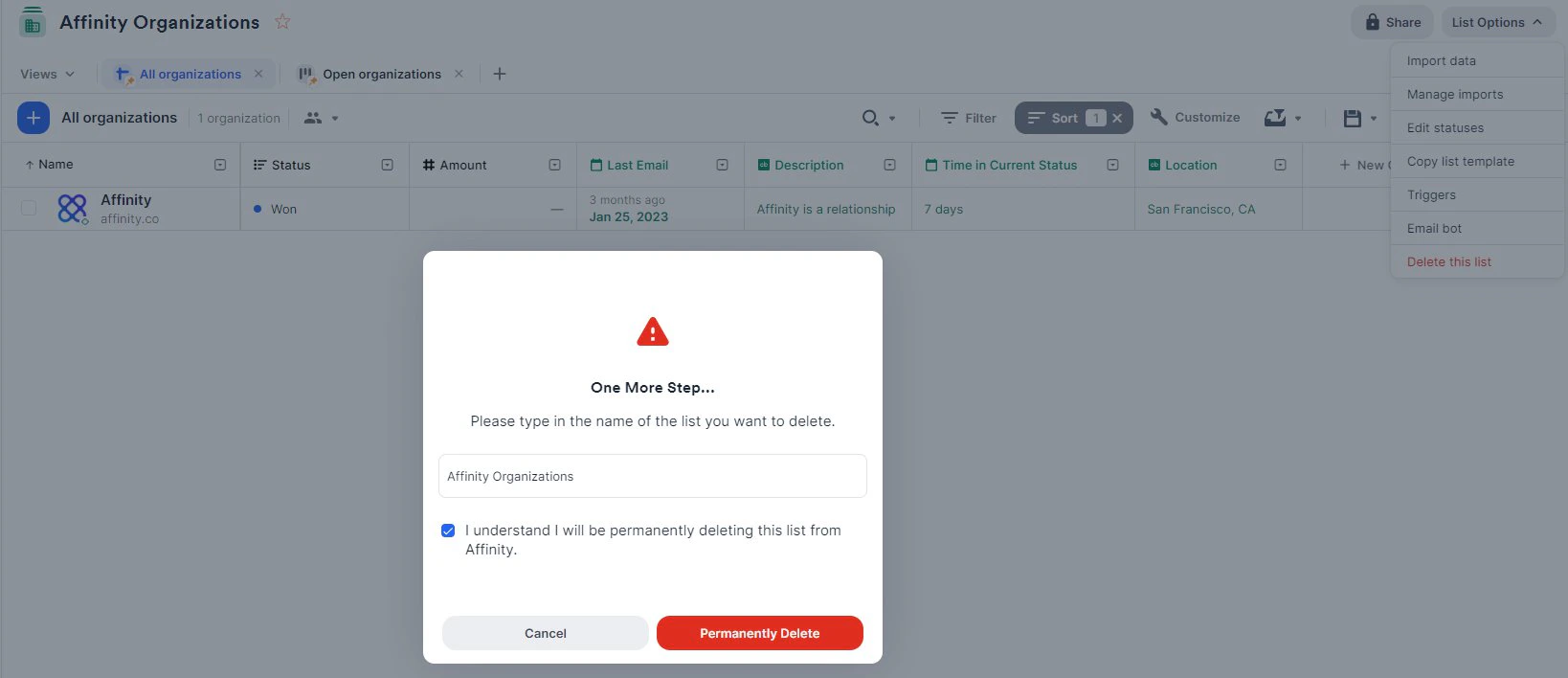
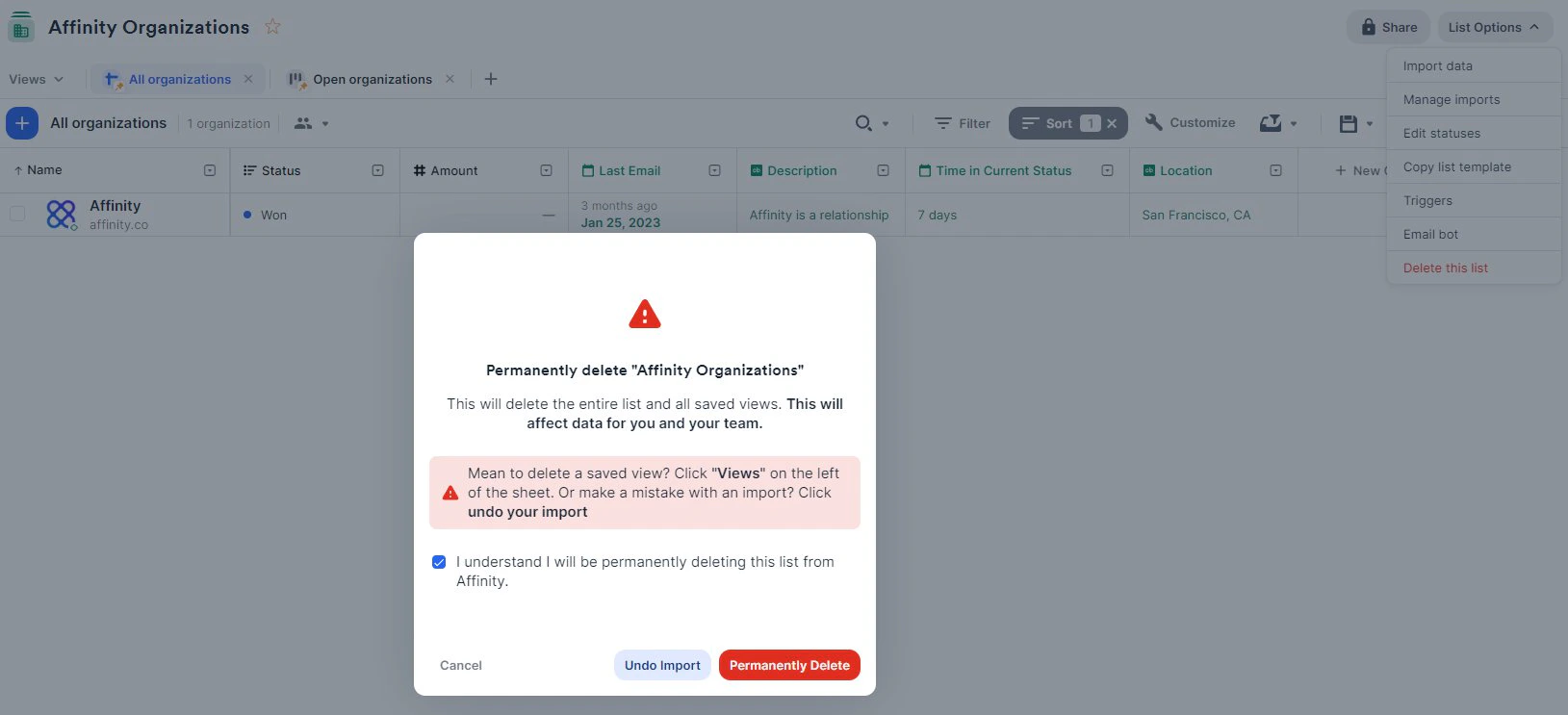
  4. Check the box, then click the Permanently Delete button.
  5. Type in the name of the list you want to delete. Check the box, then click the Permanently Delete button.