

How-to — task-oriented recipe.
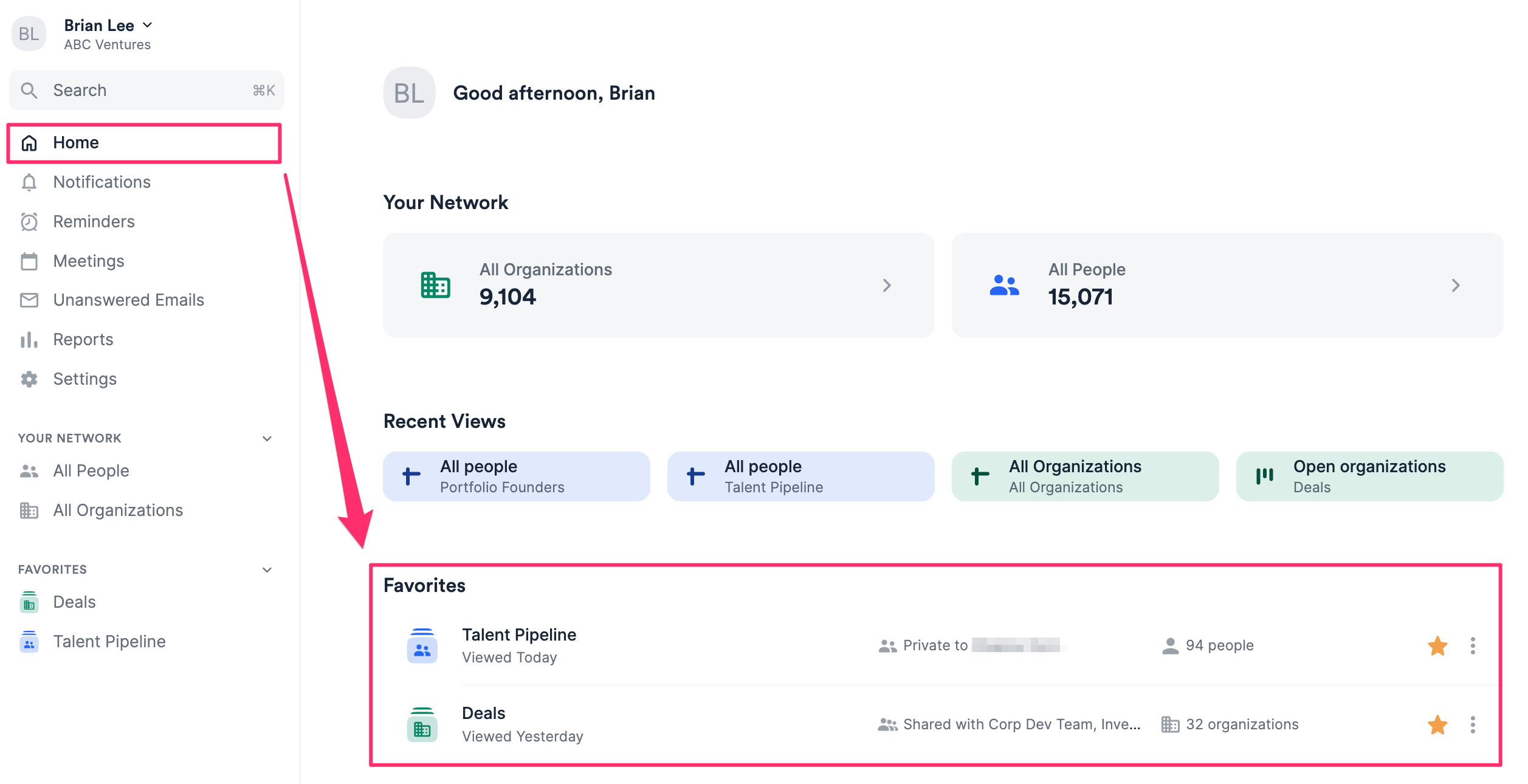
- When on the Home page, you can favorite a list by clicking on the Star icon.

- When within a list, you can also favorite a list within the list itself.

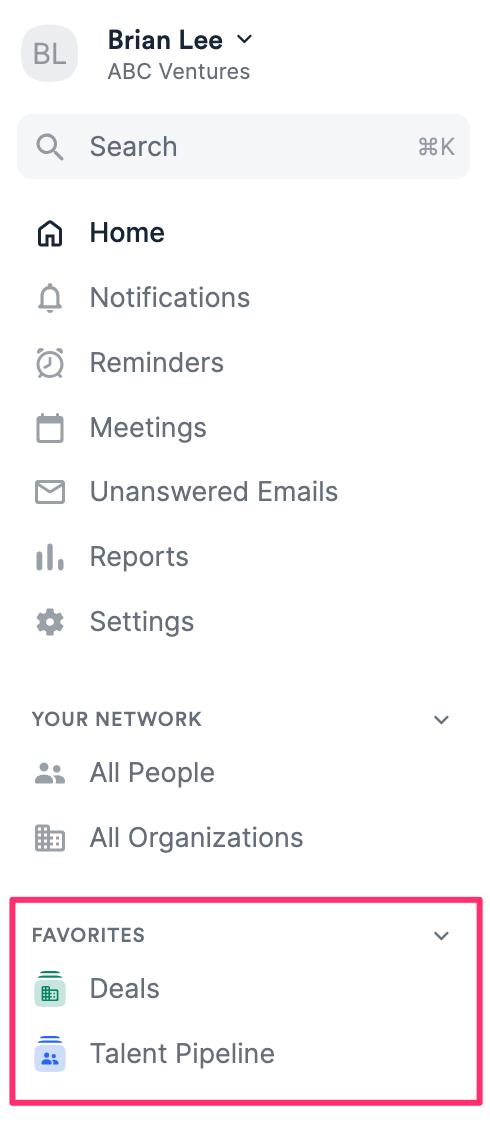
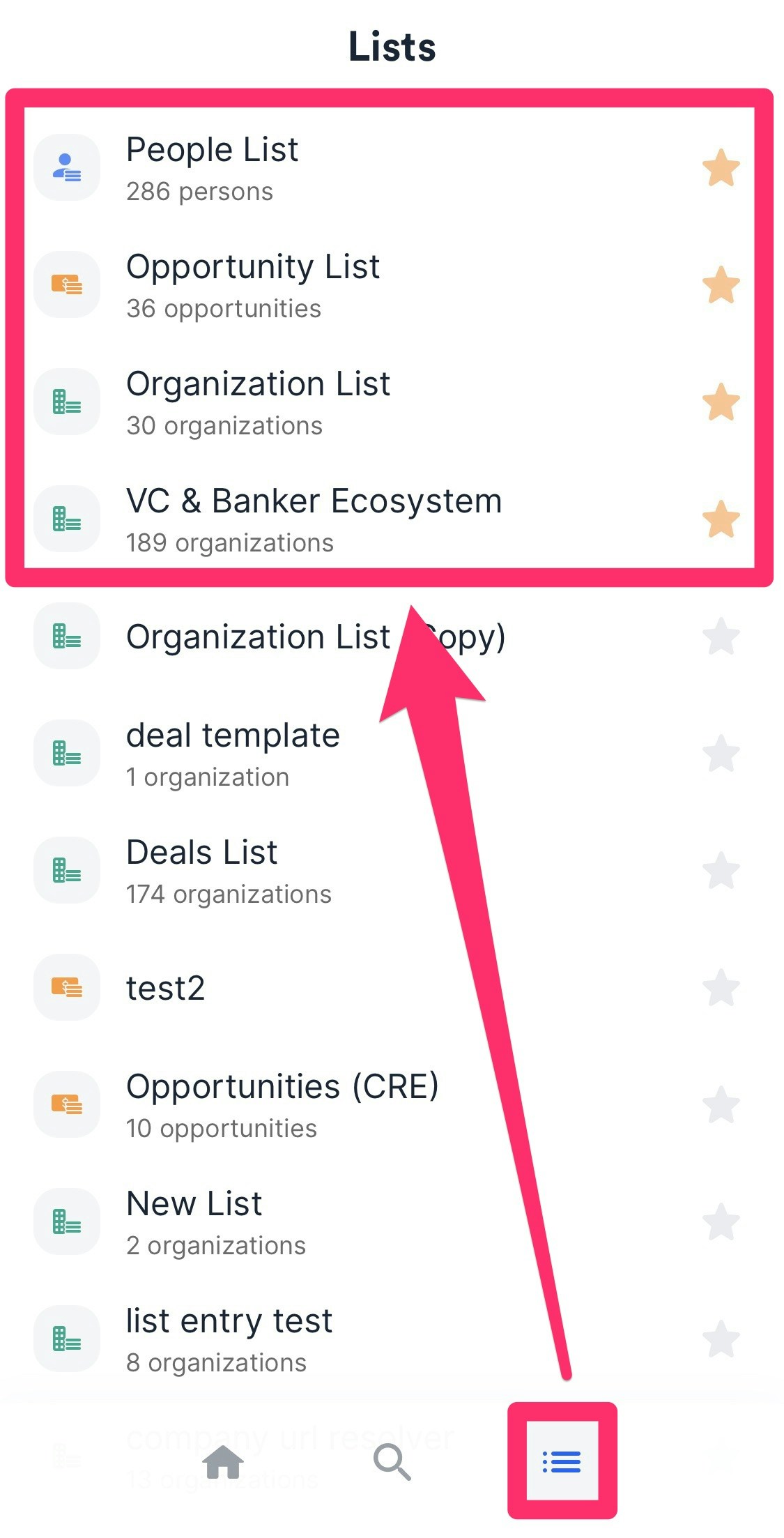
- You can easily access your favorite lists in the following areas:
- The global navigation bar on the left side of your screen.
- Within the Home page.
- Within the Lists tab on the mobile app.
- If you’d like to unfavorite a list, simply click the Star icon again.

- The global navigation bar on the left side of your screen.