How-to — task-oriented recipe.
- People
- Connections
- Date Added
- Time in Current Status
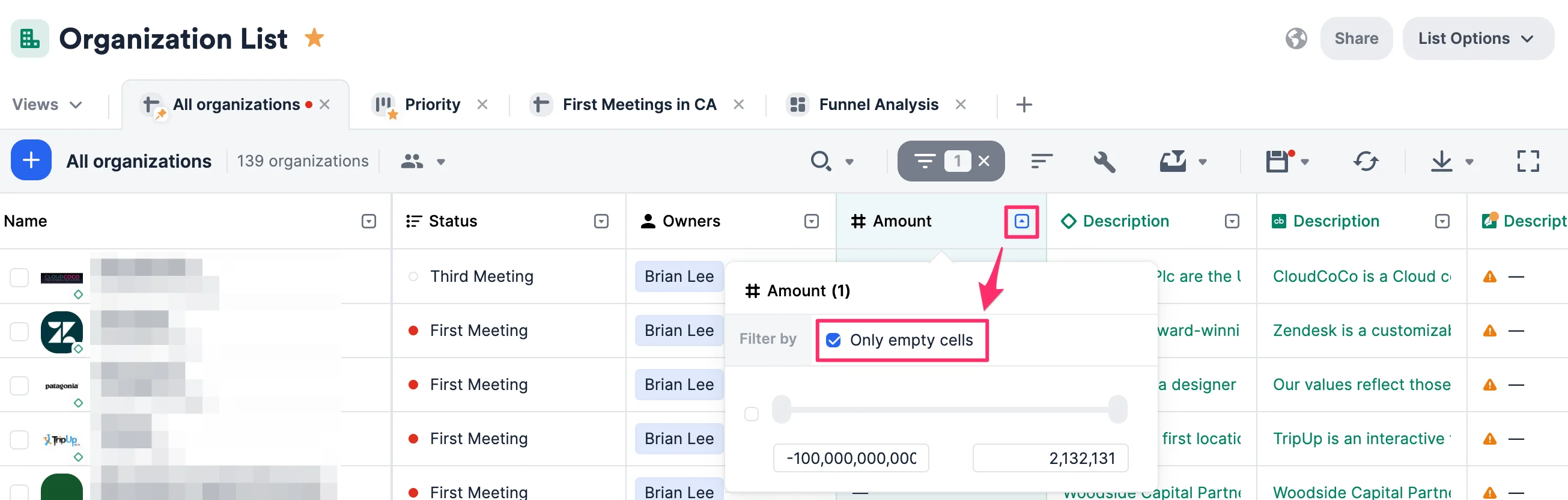
How to filter by empty cells
- Click the dropdown arrow next to the column header.
- Click Filter by ________.
- Check the box next to Only empty cells. Check the box next to Only empty cells.