

How-to — task-oriented recipe.
- Users have full read-and-edit access to the Affinity account, including Directories, List, Profiles, etc.
- Collaborators only have read-only access to specific sheet views within Affinity lists.
- Team members cannot be invited as Collaborators, they must be invited as Users.
Signing into Affinity for the first time
Option 1: Signing in as a User
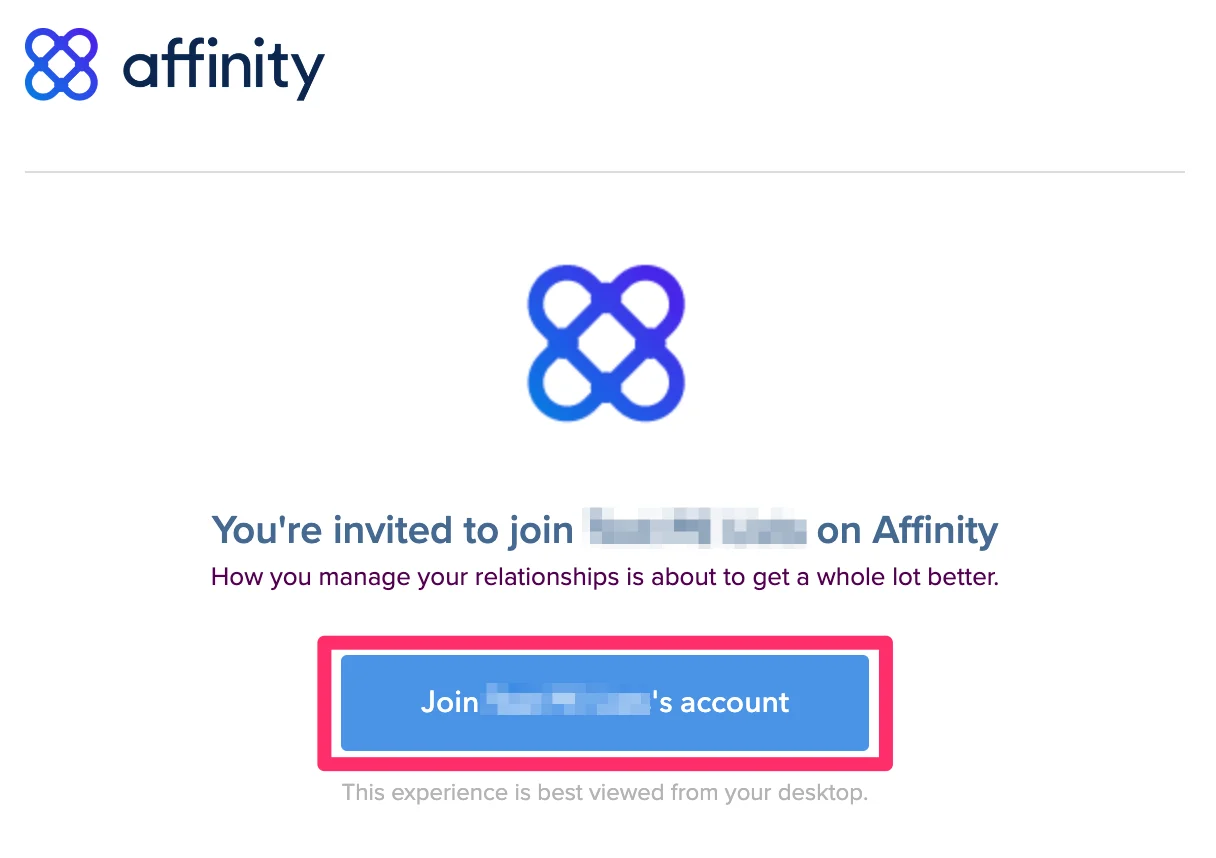
If you’re signing into Affinity for the first time as a user, please follow these steps:- Click on the email invite that was sent to you, then click the Join _____‘s account button.
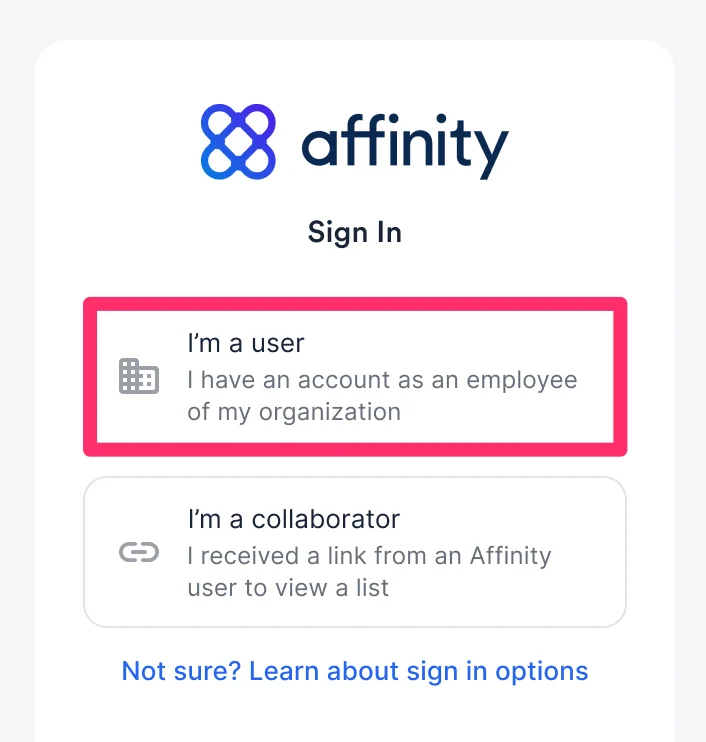
- Then, click I am a user.
- Depending on which email provider your email account is based off of, select one of the articles below:
- Please note that you can only sign into Affinity if your email provider is Gmail or Microsoft (i.e. Office 365, Hotmail, Live, etc.). You cannot sign into Affinity if your email account is from Yahoo, AOL, or any other email provider.
Option 2: Signing in as a Collaborator
If you’re signing into Affinity for the first time as a collaborator, please follow these steps:- Click on the email invite that was sent to you by the Affinity user, then click Join Affinity.
- Then, click I am a collaborator.
- If the Affinity user’s company does not require you to sign in via SSO, then you can simply enter your email and click Send Email.
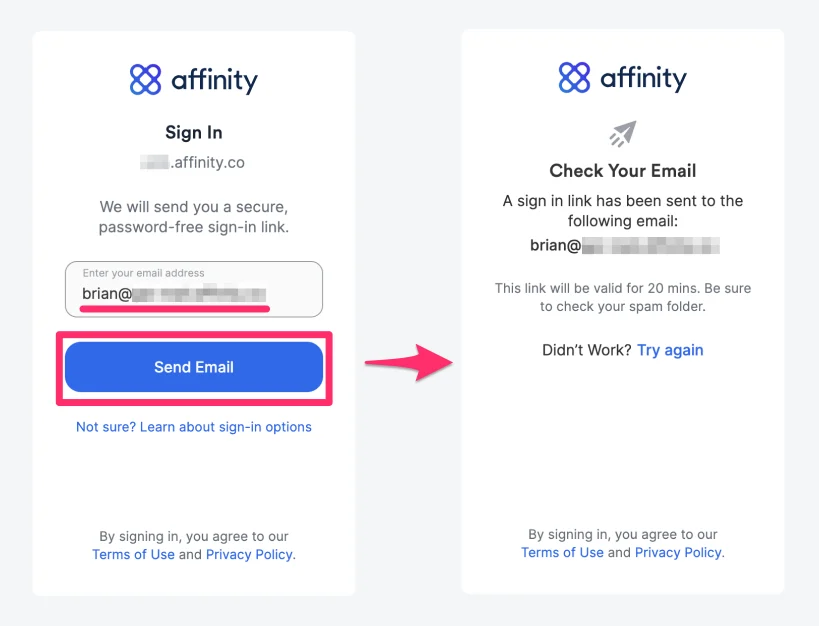
- You will receive an email that contains the unique Sign Me In button that will verify your email address and sign you in as a collaborator.
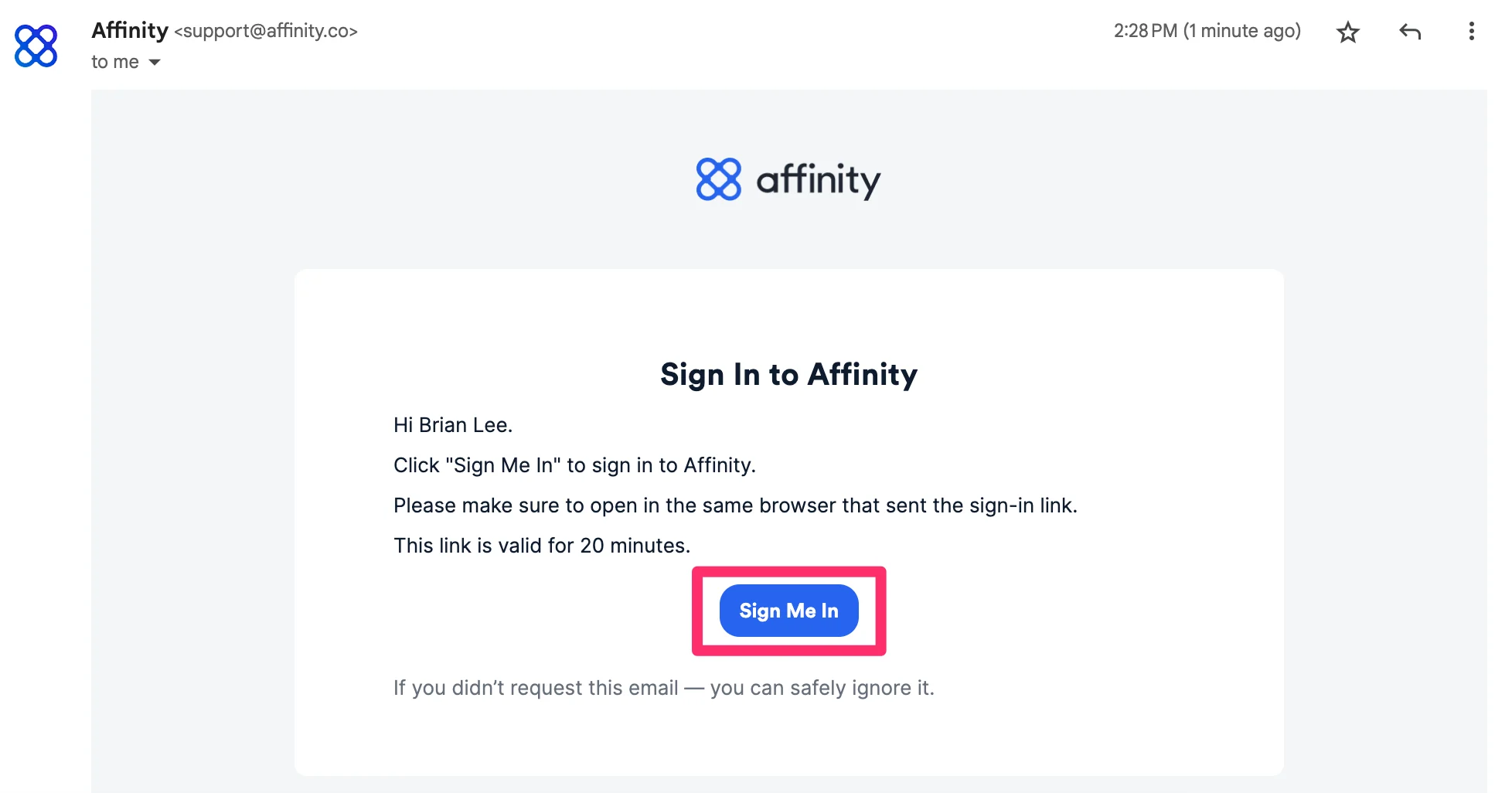
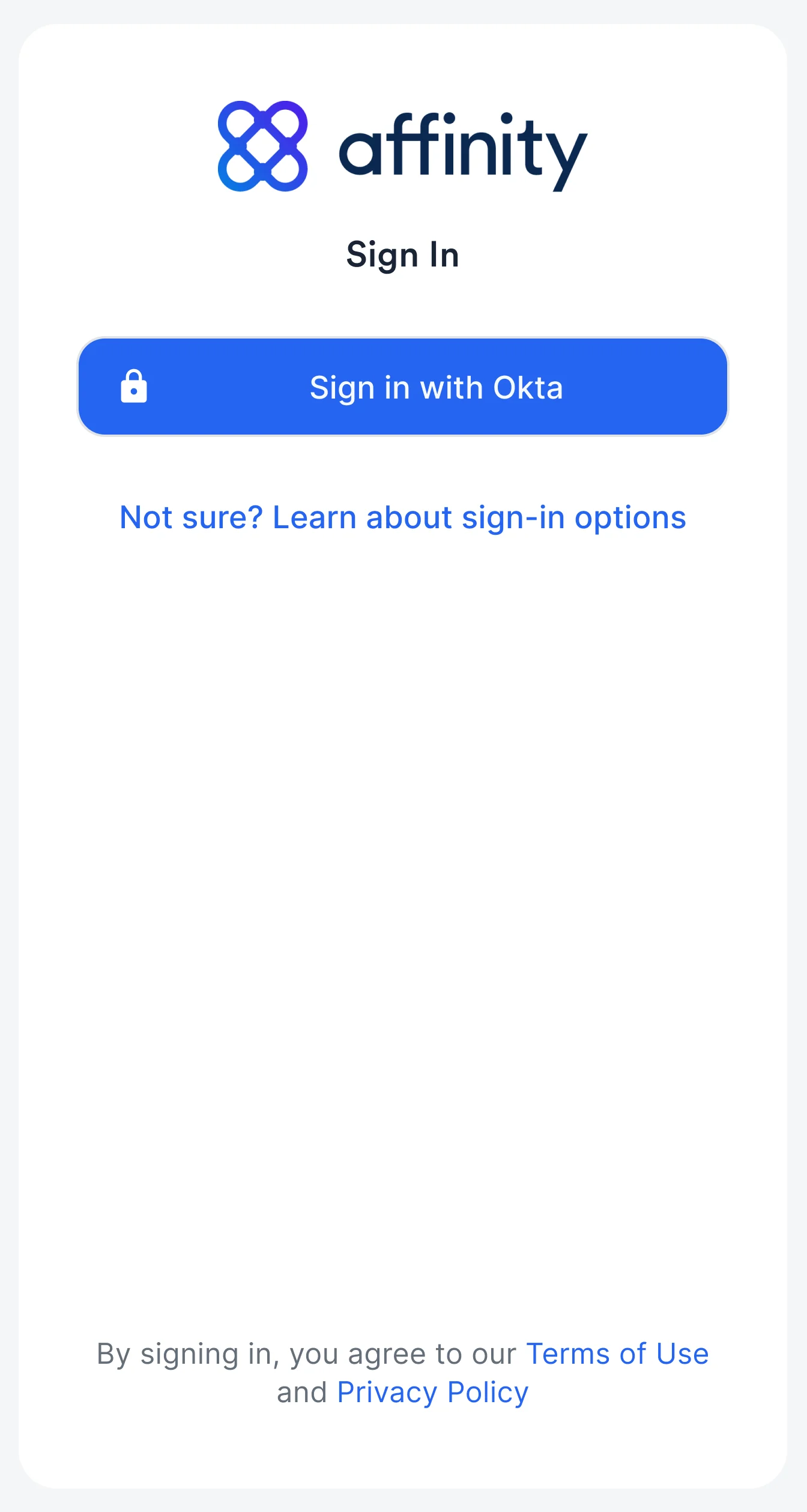
- If the Affinity user’s company requires you to also sign in via SSO, please make sure they add you to their SSO provider’s list. Once doing so, you will notice a different sign in option (e.g. Sign in with OKTA).
Signing into Affinity moving forward
- To sign into Affinity moving forward as a user or a collaborator, we highly suggest saving your unique Affinity subdomain as a bookmark on your web browser - it should be in the following format:
[subdomain].affinity.co - If you’re not sure what your Affinity subdomain is, please check out How to find your Affinity subdomain.
Important Callouts
- You can only sign in and sync into Affinity if your email provider is Gmail or Microsoft (i.e. Office 365, microsoft.com, Hotmail, Live, etc.).
- For Microsoft 365 Government Community Cloud (GCC) users
- Affinity supports Microsoft accounts that are GCC-based and use these domains: https://portal.azure.com and https://graph.microsoft.com.
- Affinity does not support Microsoft accounts that are GCC-based but use these domains: https://portal.azure.us and https://graph.microsoft.us.
- For Microsoft 365 Government Community Cloud (GCC) users
- You cannot sign into Affinity if your email account is from Yahoo, AOL, or any other email provider.
- Only Enterprise tier customers can setup Custom Single Sign-On (SSO) with Affinity. Here are two common SSO providers and how to set them up for Affinity access: