

How-to — task-oriented recipe.
Getting started
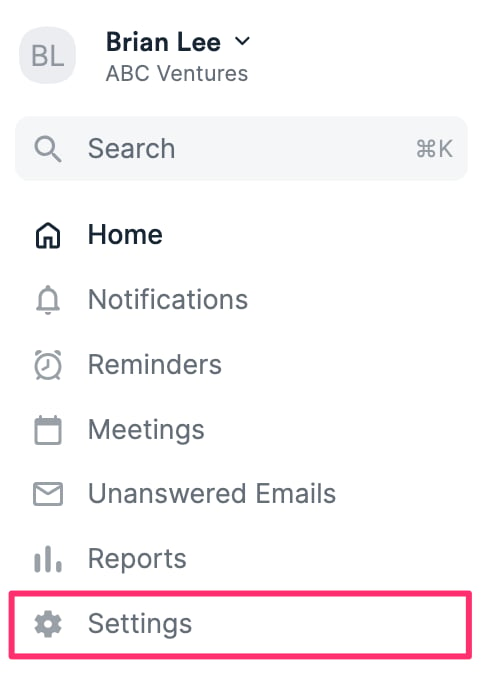
- Once you’ve checked the prerequisites in Getting started with native integrations in Affinity and enabled proper access to Eventbrite, click Settings on the left side of your screen.
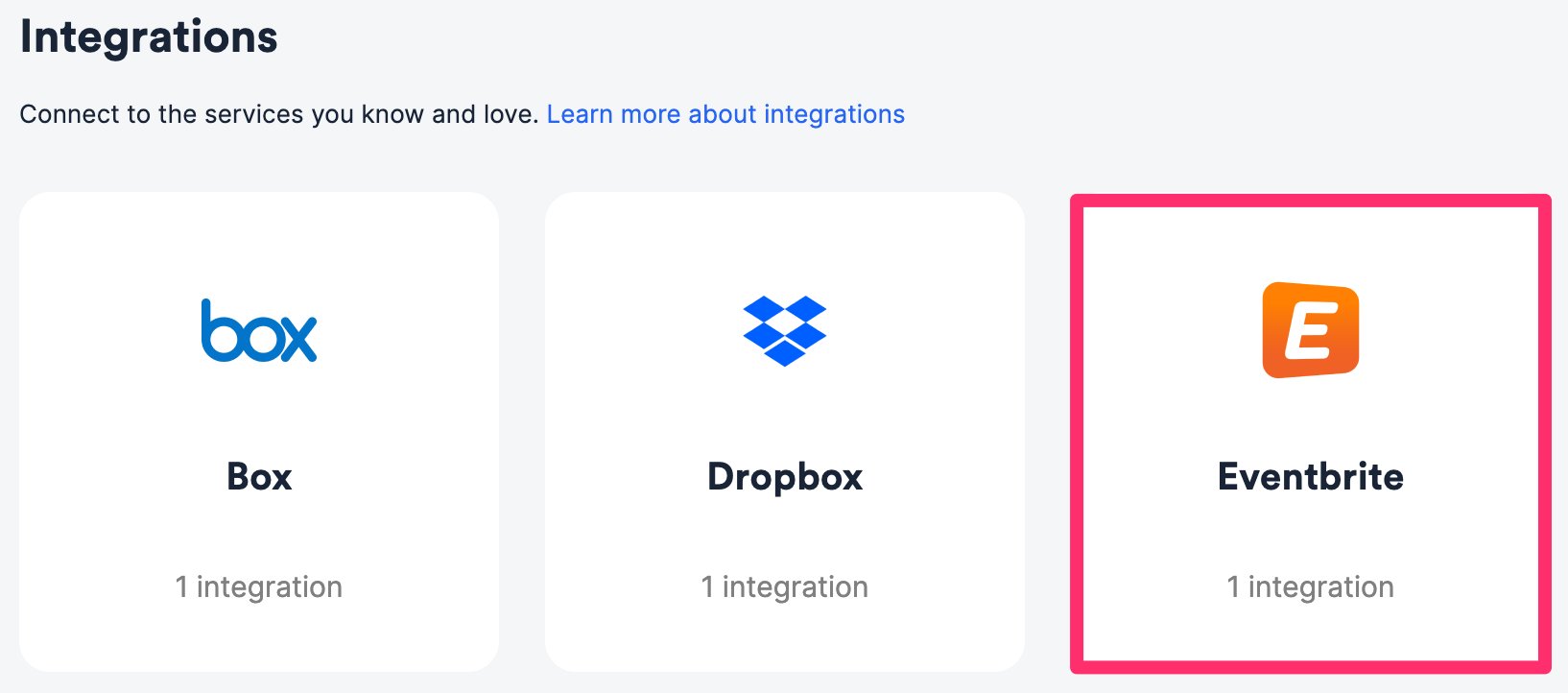
- Click on the Integrations tab, then click on Eventbrite.
Eventbrite Invitee Actions to Affinity Persons
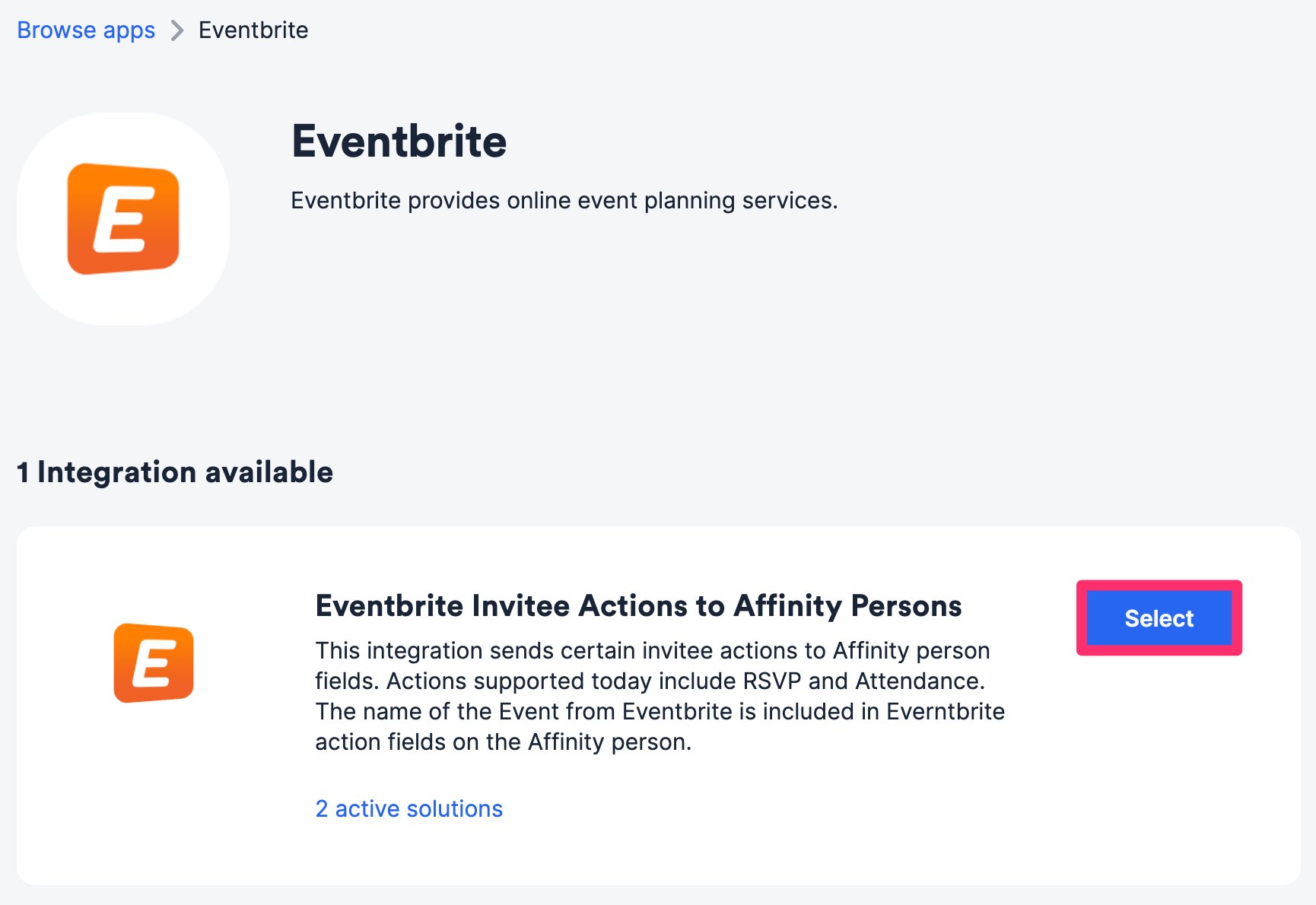
For all Eventbrite RSVPs and attendees, Affinity will create global fields to sync and track them accordingly.- Within the Eventbrite Invitee Actions to Affinity Persons integration, click Select.
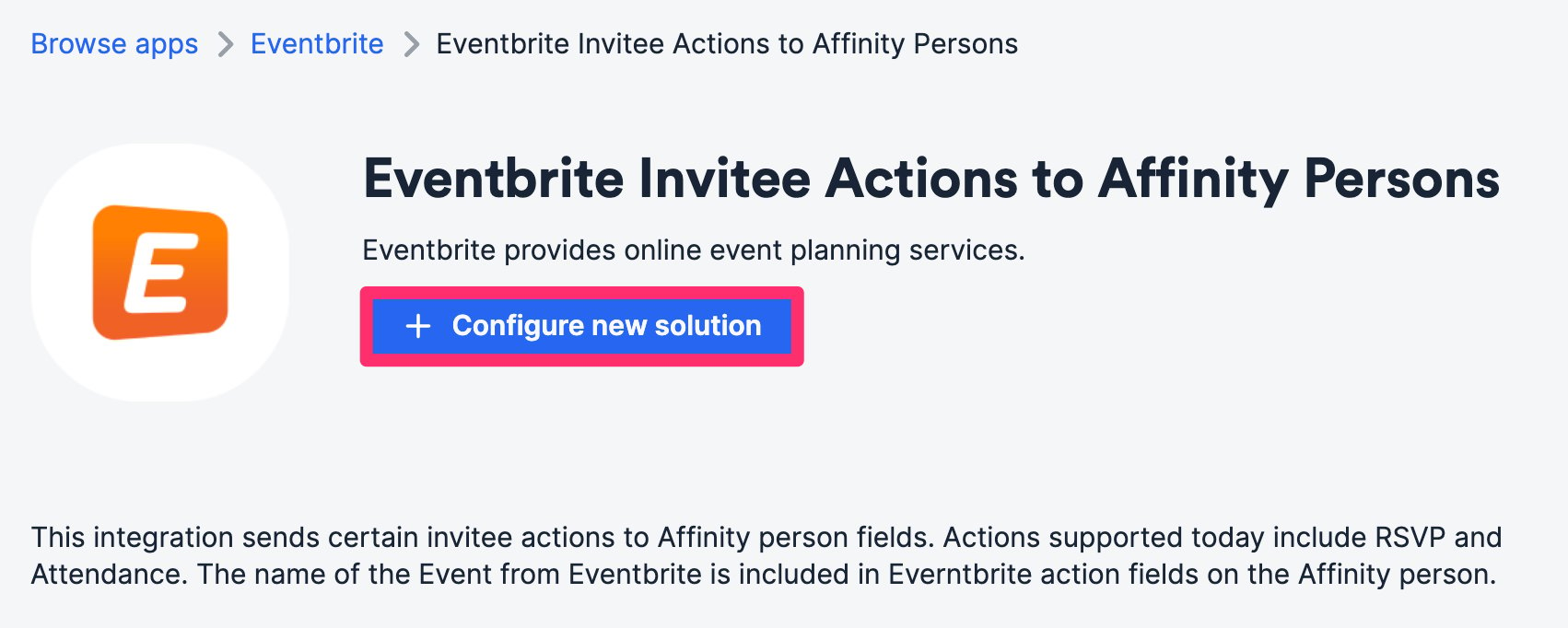
- Click Configure new solution.
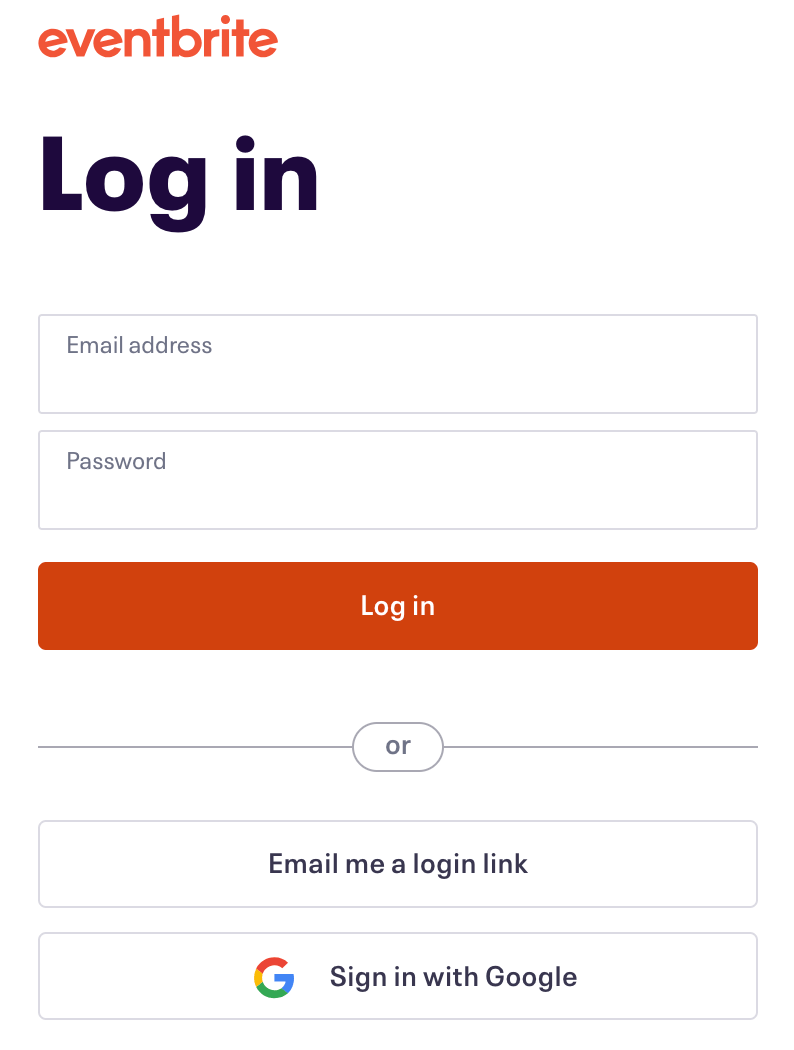
- Authenticate your Eventbrite account by signing in.
- Then, select the Eventbrite organization from the dropdown list.
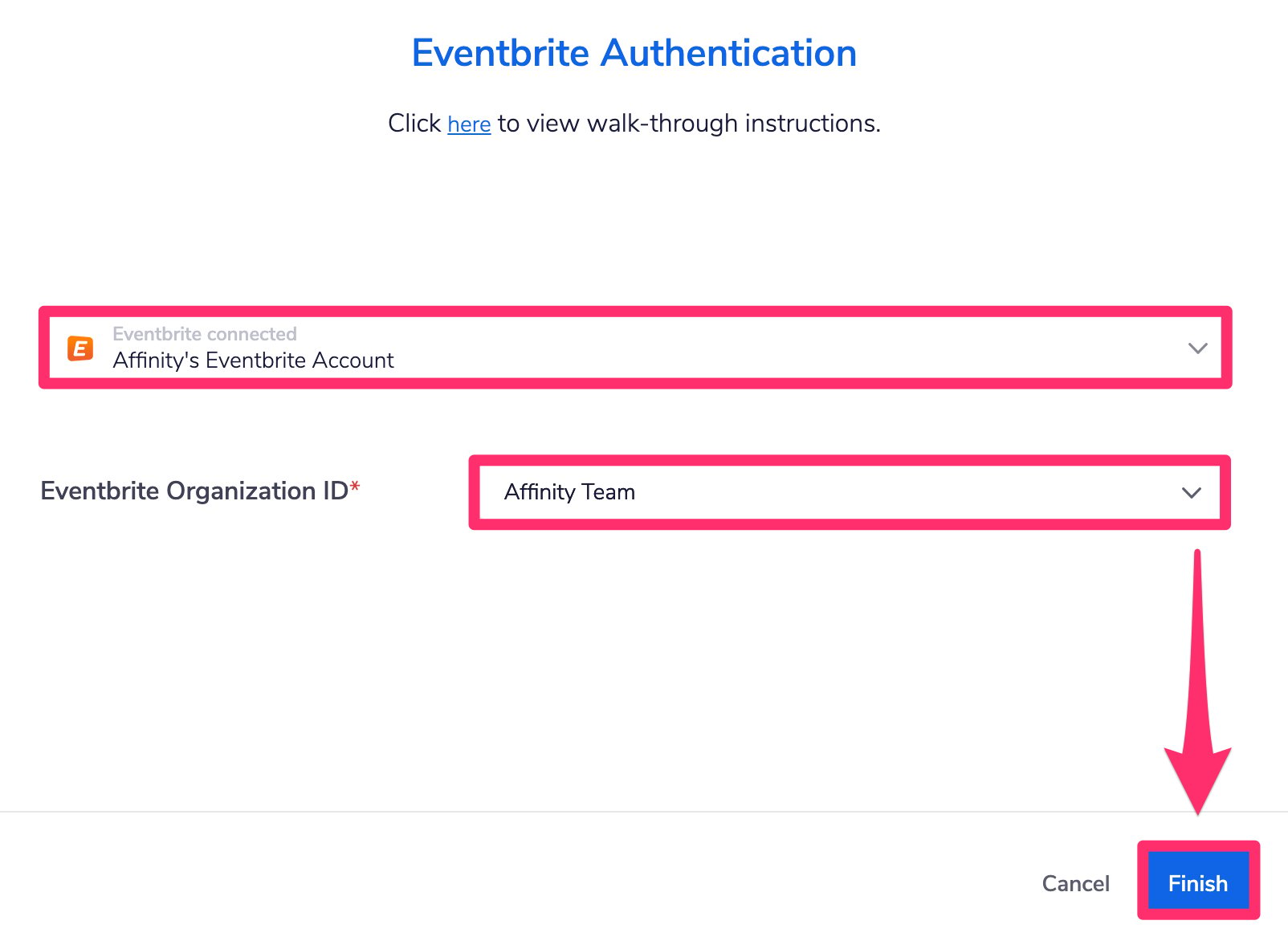
- Click Finish and you’re all set.
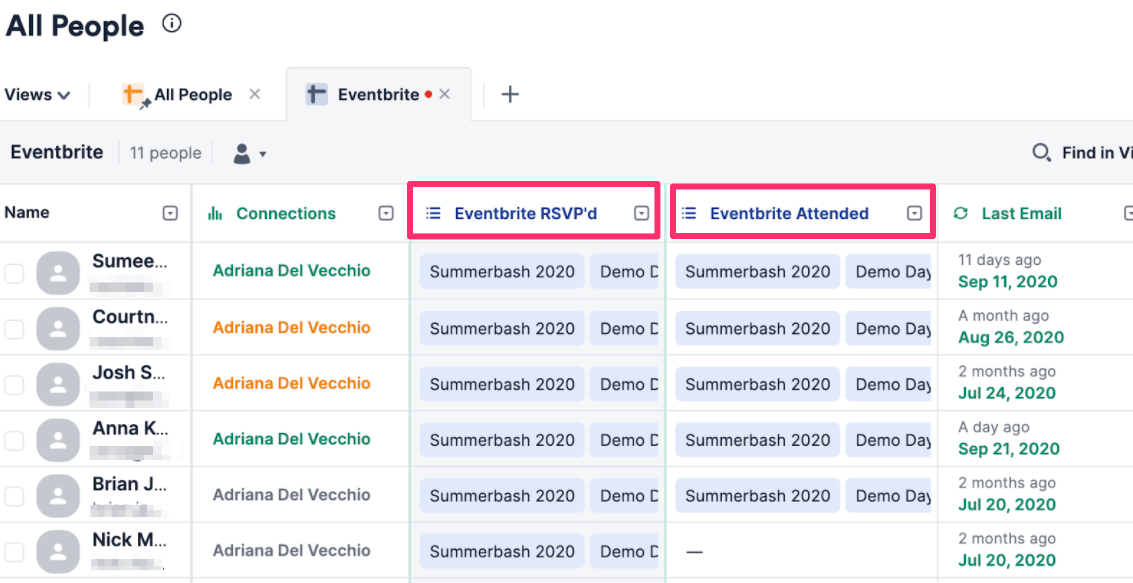
- You should now see two global fields created in your Affinity people lists (i.e. All People directory and all other manually created people lists). These global fields will indicate which events people RSVP’d to and/or attended. Note that this is not retroactive and will only apply to events moving forward.
- You can now filter by these fields to easily view all RSVPs and attendees in Affinity.
Eventbrite Invitee Actions to Affinity Persons
For all Eventbrite RSVPs and attendees, Affinity will create global fields to sync and track them accordingly.- Within the Eventbrite Invitee Actions to Affinity Persons integration, click Select.
- Click Configure new solution.
- Authenticate your Eventbrite account by signing in.
- Then, select the Eventbrite organization from the dropdown list.
- Click Finish and you’re all set.
- You should now see two global fields created in your Affinity people lists (i.e. All People directory and all other manually created people lists). These global fields will indicate which events people RSVP’d to and/or attended. Note that this is not retroactive and will only apply to events moving forward.
- You can now filter by these fields to easily view all RSVPs and attendees in Affinity.