

How-to — task-oriented recipe.
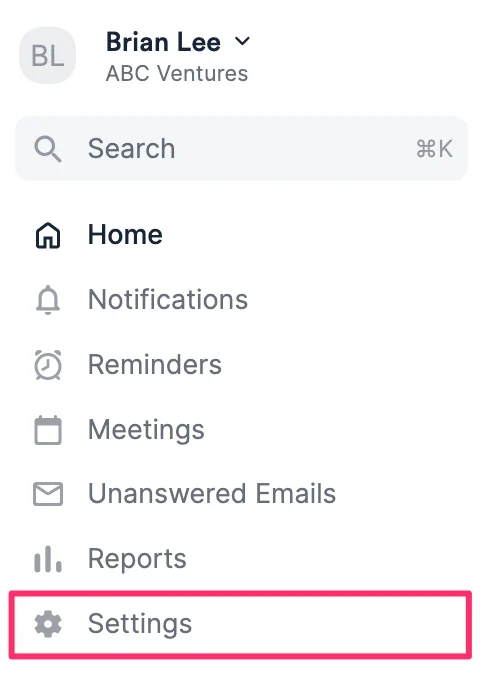
- Click Settings on the left side panel.
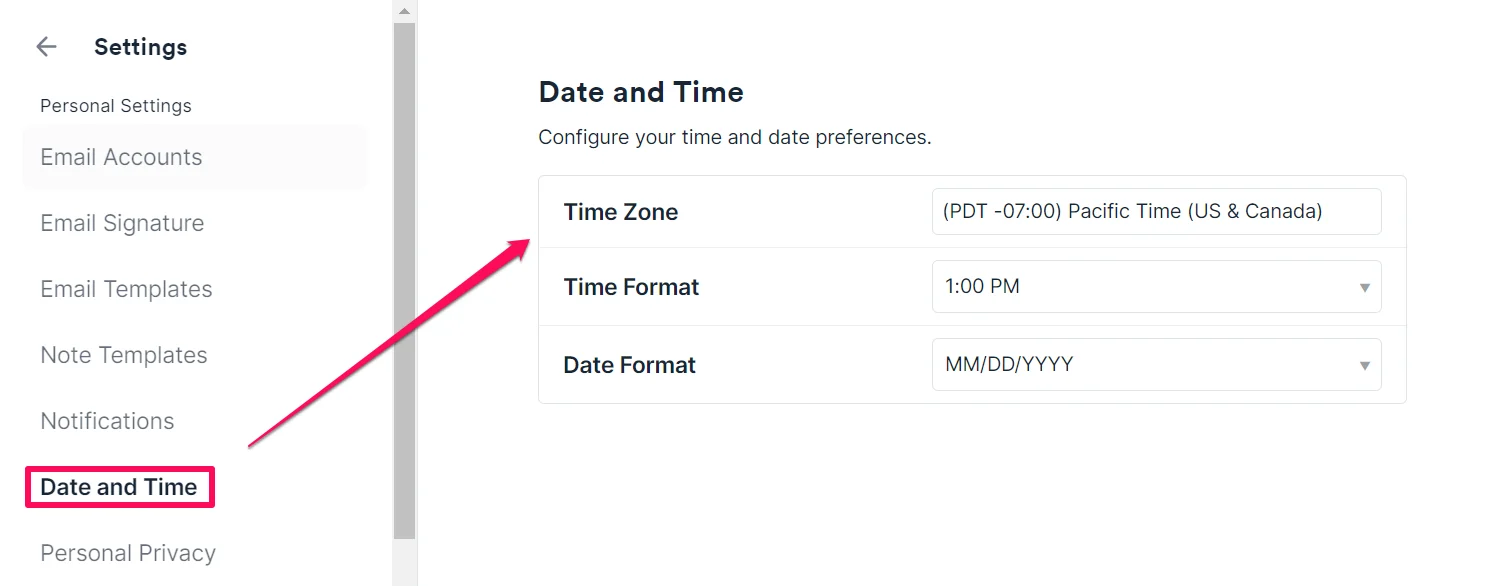
- Click the Date and Time tab, then adjust your time zone, time format, and date format as needed.
Changing the date and time zone in Affinity Analytics
Please note that the Time Zone in Settings will not apply to the times shown in your Affinity Analytics dashboards (which are based in PST by default).- To change the date format in your Affinity Analytics dashboards, you must create a custom table calculation by following the video and formula examples in this article: Changing date format with custom table calculations
- To change the time zones in your Affinity Analytics dashboards, you must create a custom table calculation (see the video above) using this formula:
- Use
add_hours(). - Replace
your_datewith your own. - Type out the formula.
- Example: London’s time zone is 8 hours ahead of PST, so the formula would be:
add_hours(8,${your_date})
- Example: London’s time zone is 8 hours ahead of PST, so the formula would be:
- Use